
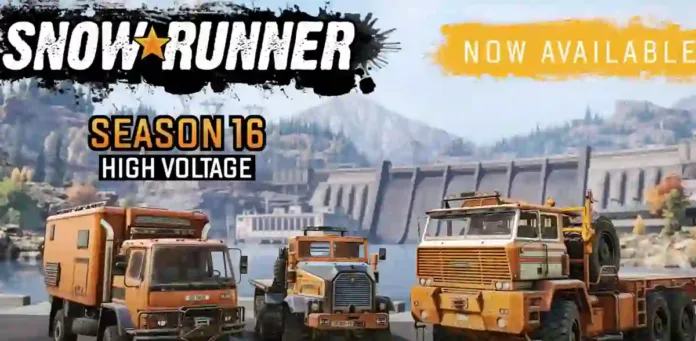
Snowrunner update 1.64 is available to download on PS4, PC, Switch and Xbox One. According to the official Snowrunner 1.64 patch notes, the latest season 16 update adds 3 huge Washington maps, 3 powerful new trucks, and a range of add-ons and trailers. Year 5 Pass brings four seasons of future content. In addition, Snowrunner patch 1.64 also fixes for vehicles, co-op, mods, steering wheels, UI, and performance, making the experience smoother across all platforms.
Snowrunner 1.64 Patch Notes – September 4, 2025
NEW CONTENT
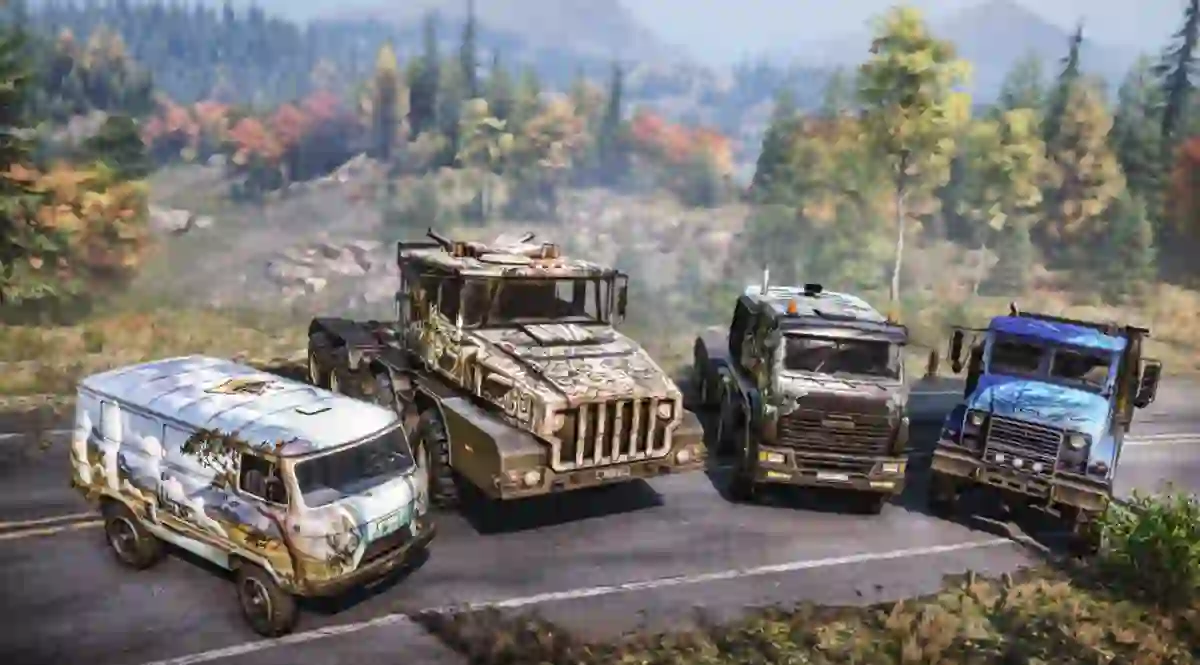
[DLC] New region, Washington State – a region consisting of 3 new maps set in the United States
[DLC] New trucks:
-
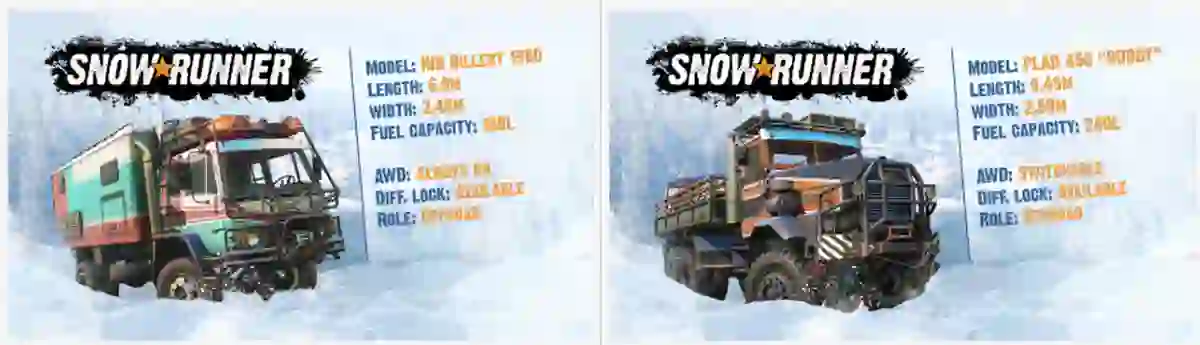
HIB Billert 1980
-
PLAD 440 “BUDDY”
-
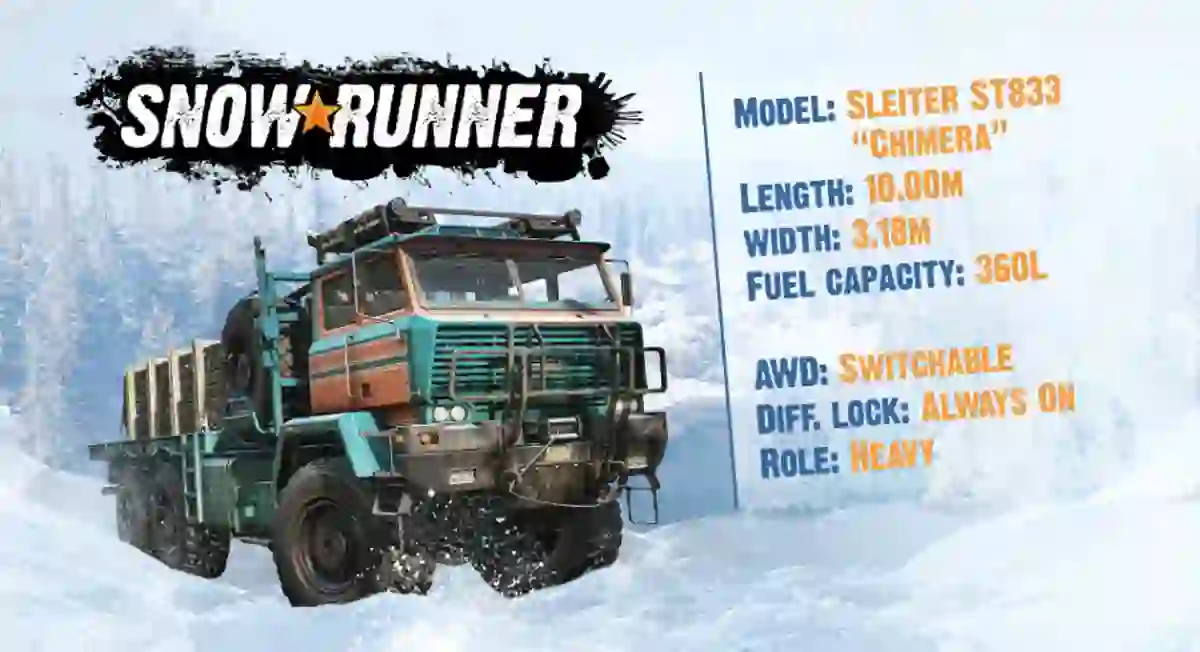
Sleiter ST 833 “Chimera”
- Ad -
[DLC] New add-ons and trailers:
-
HIB Billert Van Body Addon
-
PLAD Sideboard Bed
-
Sleiter Flatbed
-
Long Sleiter Flatbed
-
Long Sleiter Sideboard Bed
-
Sleiter Sideboard Bed
-
Spare Wheels and Supplies for Sleiter
-
Special Crane Trailer
-
Forwood-LS Logging Semi-Trailer (Extended Double Logging Semi-Trailer)
-
Foldable Logging Semi-Trailer
-
Hydrolift Saddle
VEHICLE IMPROVEMENTS
-
Fixed the issue where all cargo management zones appeared empty when Manual Loading mode was active
-
Fixed the issue where non-logs cargo could be incorrectly packed on log addons and trailers
-
Fixed the issue where logs cargo shifted incorrectly when using both logging frame addon and log trailer
-
Fixed the cargo clipping issue in the first slot of ‘Flatbed Semi-Trailer Loaded with Parts’ after unpacking
-
Fixed the issue where the “Not enough logs.” message incorrectly appeared when 1-2 units of Logs cargo were placed in the first slot of the ‘Double Logging Semi-trailer’
-
Fixed the issue where the legs of the ‘Double Logging Semi-Trailer’ were positioned too close to the rear of certain trucks, causing collisions
-
Fixed rear axle malfunctions on the Kenworth T880-W990
CO-OP
-
Fixed the issue where trucks, cargo, and trailers would fly after restarting a mission and re-entering the level in co-op
-
Fixed the issue where the ‘Taking Stock of the Damage’ contract wouldn’t complete if the host was on another map
-
Fixed endless session search while connection to co-op session on Xbox
-
Fixed the issue where an incorrect offline mode warning appeared when selecting a save game to create a co-op session on Xbox
-
Fixed the hardlock issue where the ‘Back’ button disappeared after reconnecting to network while in the Settings menu on Xbox
MOD BROWSER
-
Fixed the issue where the mod unsubscription confirmation window couldn’t be closed in Mod Browser
-
Fixed the issue where non-loaded mods attempted to reload repeatedly after each page refresh when the subscribed mods exceeded cache limits on Switch
-
Improved download speeds for mods on PlayStation 5
STEERING WHEELS FIXES
-
Fixed the issue with missing presets for Thrustmaster TX Racing Wheel Ferrari 458 Italia Edition in Settings
-
Fixed the issue where extra icons without text appeared in Truck Storage when using Logitech wheels
-
Fixed the issue where some UI elements were unavailable in New Game+ Rules menu when using steering wheels
-
Fixed the issue with mixed up buttons on Thrustmaster TX steering wheel
-
Fixed the issue where button hints displayed icons for non-existent controls on the Hori Force Feedback Racing Wheel DLX Xbox Series X|S steering wheel
OTHER CHANGES
-
Fixed the issue where the reward didn’t match the design table for the ‘Top Fun: Frederick’ contract in Quebec
-
Fixed the issue where the ‘Scout is recommended’ message was missing in the ‘Driving on Ice’ contract in Quebec
-
Fixed the issue where some editor functions didn’t activate when pressing the corresponding toolbar buttons
-
Fixed the issue where truck position shifted backward after using Repair and then opening Customize in Garage (Hard Mode)
-
Fixed the issue where the hitbox of the ‘Accept’ button was misaligned downward in the ‘No Repair Parts’ pop-up window during Hard Mode
-
Fixed the issue where the hitbox of the ‘Close’ button was misaligned downward in the ‘Trailer Store’ pop-up window
-
Fixed the unresponsive ‘Buy’ button when using cursor control in the ‘Trailer Store’ menu
-
Fixed the issue where the “Failed to attach trailer due to insufficient space” warning incorrectly appeared in the ‘Trailer Store’ when attempting to purchase trailers for trucks without active coupling points
-
Fixed the issue where Cargo Management zones weren’t displayed on Proving Grounds levels
-
Fixed the issue where players couldn’t close or select options in Functions menu after detaching trailers
-
Improved UI for Steam Deck version
-
Optimized memory usage on old consoles
-
Performance improvements
-
Various visual fixes on maps
-
Various crash fixes
-
Localization fixes
Previously, a major SnowRunner season 9 update added a new map, new vehicles, and new activities. Unfortunately, since the last patch, players are facing a number of issues with the game. Today’s Snow runner version 1.64 will fix a few of these issues. Read more details below.
Download free Snowrunner update 1.64 on PS4, PS5, PC and Xbox One.

 is now available to download.)