Quick Answer
To change the language in Black Flag Resynced (AC4 Resynced), open the Pause menu → Options and adjust Spoken/Audio Language, Subtitle Language, and Menu Language separately. Text and subtitles switch instantly; a new spoken language may need an audio pack download. If it won’t start, set the language in Steam (Properties → General) or your console settings first — see the launch-day fix below.
Supported Languages in Assassin’s Creed 4 Black Flag Resynced
Before changing anything, it helps to know what’s actually available. Ubisoft ships Black Flag Resynced with two tiers of localization — full audio + text, and text-only (subtitles and menus).
| Localization type | Languages |
|---|---|
| Full audio & text | English, French, Italian, German, Spanish, Brazilian Portuguese, Japanese, Simplified Chinese |
| Text only (subtitles & UI) | Korean, Traditional Chinese, Russian, Polish, Arabic |
So if you’re after a spoken language like Korean or Polish, it isn’t offered as voice-over — you can only set those as your subtitle or interface language while keeping one of the eight dubbed languages for audio.
How to Change AC4 Resynced Language In-Game (Works on All Platforms)
The fastest method is the in-game menu, which mirrors recent Anvil-engine titles like Assassin’s Creed Shadows and Mirage. This lets you set audio and subtitles independently without leaving the game.
- Launch Black Flag Resynced and press the Pause button (or reach the main menu).
- Select Options.
- Open the language settings — depending on your build these sit under the Audio, Sound, General, or a dedicated Language tab.
- Adjust the dropdowns: Spoken/Audio Language, Subtitle Language, and Menu Language.
- Confirm to apply. If you pick a spoken language that isn’t installed yet, the game prompts that the audio pack must be downloaded — see the fix below if that download doesn’t start on its own.
This is the recommended route because it’s the only one that gives you a true mix — for example, English audio with Spanish subtitles. Text and subtitles change instantly; only the spoken (audio) language may need an extra download.
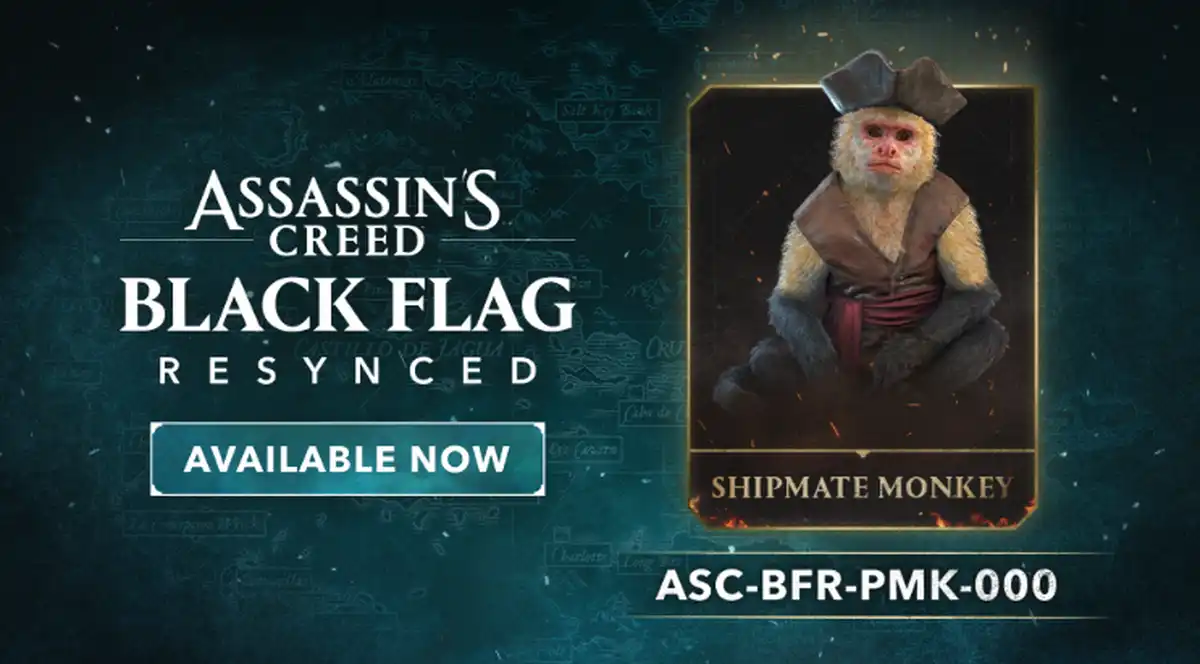
Related: AC4 Reward Code: ASC-BFR-PMK-000
Redeem it here
How to Change Language in AC4 Black Flag Resynced on PS5
- Try the in-game Options language settings first.
- If your language isn’t listed, go to Settings → System → Language → Console Language and set your preferred language.
- Restart the console, then relaunch the game — the PS5 will prompt you to download the matching audio pack if needed.
- Check Settings → Saved Data and Game/App Settings → Game Presets → Difficulty and Language to confirm your default game language.
How to Change Language in Black Flag Resynced on Xbox Series X/S
On Xbox Series X and Series S, Black Flag Resynced pulls its default language from your console settings, and extra language packs are managed per game.
- Open the in-game Options language settings and try switching there first.
- If options are limited, go to Settings → System → Language & location.
- Set your preferred language (and, if needed, region), then restart the console.
- Highlight the game, press Menu → Manage game and add-ons, and download any additional language pack listed.
- Relaunch and confirm the change in the Options menu.
How to Change Language in Black Flag Resynced on PC (Steam, Epic & Ubisoft Connect)
PC gives you the most flexibility, but the exact steps depend on your store. Because the game requires Ubisoft Connect regardless of where you bought it, the in-game menu usually works — but you can also force the language at the launcher level.
Steam
- Right-click Assassin’s Creed Black Flag Resynced in your library and select Properties.
- Open the General tab (some accounts show a separate Language tab) and choose your language from the dropdown.
- Steam downloads the correct audio/text pack the moment you switch it. Launch the game once it finishes.
Ubisoft Connect
- Change the client language via your profile → Settings → Interface, then restart the launcher.
- Set the in-game audio and subtitles through the game’s Options language settings.
Epic Games Store
- Go to your Library, click the three dots on the game, and open its settings.
- Select your preferred language, then use the in-game Options menu for audio and subtitles.
Launch-Day Bug: Audio Stuck on English & the Language Pack Won’t Download
On release day, a large number of PC players reported that Black Flag Resynced launched with English audio only. Trying to switch the spoken language in-game triggers a message that the audio pack must be downloaded separately — but there’s no obvious place to grab it, either in-game or inside Ubisoft Connect. Text and subtitles change fine; the voice-over stays in English.
Here’s the workaround the community found on Steam:
- Close the game completely.
- In your Steam library, right-click Assassin’s Creed Black Flag Resynced and open Properties.
- Under the General tab, switch the language dropdown to your preferred language (for example, German or Spanish).
- The audio pack downloads automatically the instant you change it here — this is the step most people miss.
- Wait for the download to finish, then relaunch. Your spoken language should now be applied.
Note: results have been mixed — some players get full audio immediately, while a few still only see text change or report the Ubisoft Connect version behaving differently from Steam. Ubisoft is likely to patch this, so if the workaround doesn’t stick, verify your game files and check for the latest update before trying again.
Audio vs. Subtitles vs. Menu Language — What’s the Difference?
Black Flag Resynced separates three settings so you can customize your experience:
- Audio (Voice) Language: the spoken dialogue — limited to the eight fully dubbed languages.
- Subtitle Language: on-screen text, available in all supported languages including text-only ones.
- Menu/Interface Language: the UI, tooltips, and menus.
Mixing these is popular — for example, keeping the original English voice acting while reading subtitles in your native language.
Troubleshooting: Language Won’t Change or Is Greyed Out
- Audio stuck on English / pack won’t download? This is the common launch-day bug — on Steam, switch the language under Properties → General to force the audio pack to download (full steps above).
- Audio option greyed out? The voice pack isn’t installed. Change the language in Steam/console settings so the game downloads it, then reopen the in-game menu.
- Region-locked copy: A key bought for a specific region may only include certain languages. This is common with Ubisoft titles.
- Change not saving: Fully restart the game (not just the mission) so the new pack loads.
- Slow download: Language packs can be several GB — make sure you’re connected while it installs.
Frequently Asked Questions
Can you change the audio and subtitle language separately in Black Flag Resynced?
Yes. The Options language settings have independent dropdowns for spoken audio, subtitles, and menu language, so you can run English audio with Spanish or French subtitles.
Does Black Flag Resynced have English voice acting?
Yes. English is one of the eight fully dubbed languages, alongside French, Italian, German, Spanish, Brazilian Portuguese, Japanese, and Simplified Chinese.
Why can’t I select Polish, Russian, Korean, or Arabic audio?
Those languages are text-only. You can set them as your subtitle or menu language, but voice-over is limited to the eight fully localized languages.
Do I need to redownload the whole game to change language?
No — only the specific audio pack for your chosen voice language downloads. Subtitles and menu languages are already included in the base install.
Why is Black Flag Resynced only in English audio?
Many players hit this on launch day: the game installs with English voice-over only, and the in-game prompt to download another audio pack doesn’t start the download. On Steam, the reliable fix is to right-click the game, open Properties → General, and switch the language there — the audio pack downloads immediately. Then relaunch.
Is Black Flag Resynced the same as AC4?
Yes and no. Black Flag Resynced is a full remake of Assassin’s Creed IV: Black Flag (AC4 / ACIV), rebuilt from the ground up in the modern Anvil engine. It shares the same story and setting but adds new content, so the language steps here apply specifically to the 2026 Resynced version, not the original 2013 AC4.
That’s everything you need to switch languages in Assassin’s Creed Black Flag Resynced on any platform. Set your audio, subtitles, and menu the way you like, and you’re ready to set sail as Edward Kenway.